Best Document Scanning and OCR Apps for iOS and Android in 2026
- Last Updated: 9th January, 2026
- 12 Min Read
- 463 Views


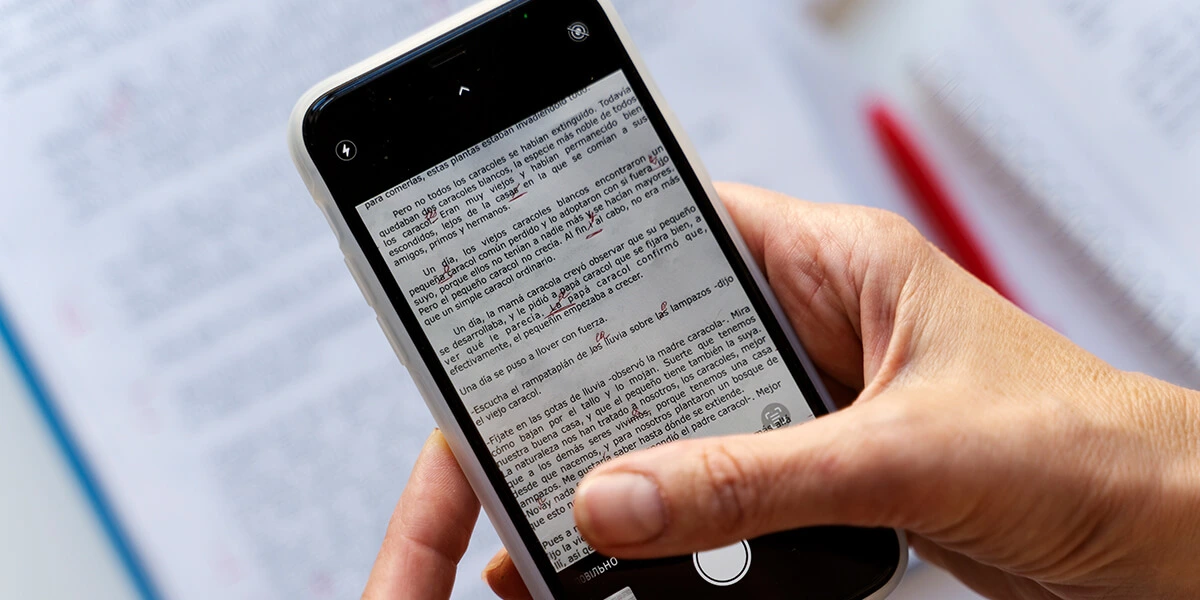
We have compiled a list of the best Document Scanning and OCR Apps for iOS and Android, so that users can easily scan their documents and save them in digital format. With the help of these mobile apps, important papers, notes, and receipts are always safely available on your phone.
These scanning apps with OCR technology recognize text from a scanned image or document and convert it into readable and searchable text. These apps are very useful for creating digital files without typing long documents, especially for students and professionals.
These Document Scanner Apps save files in formats like PDF, JPG, and also offer features like auto cropping, clear image enhancement, and text search. Some apps sync with cloud storage, making it easier to manage files.
With several OCR scanning apps available in mobile app stores, choosing the right app can sometimes be confusing. Each app has different accuracy, features, and user experience, which play an important role in the selection.
That’s why we have selected the top Document Scanning & OCR Apps based on factors like OCR accuracy, ease of use, and overall performance, so that you can easily choose the best mobile app according to your needs.
Using a document scanning app allows users to quickly convert physical documents into digital files using their smartphones. It helps keep important papers such as receipts, notes, contracts, and IDs organized and easily accessible in one secure place. This eliminates the need to carry bulky folders and reduces the risk of losing important documents.
Document scanning apps also improve productivity by offering features like auto-cropping, image enhancement, and text recognition. Scanned files can be saved as PDFs or images, shared instantly, and backed up to cloud storage. This makes managing, searching, and sharing documents faster and more efficient for students, professionals, and businesses alike.
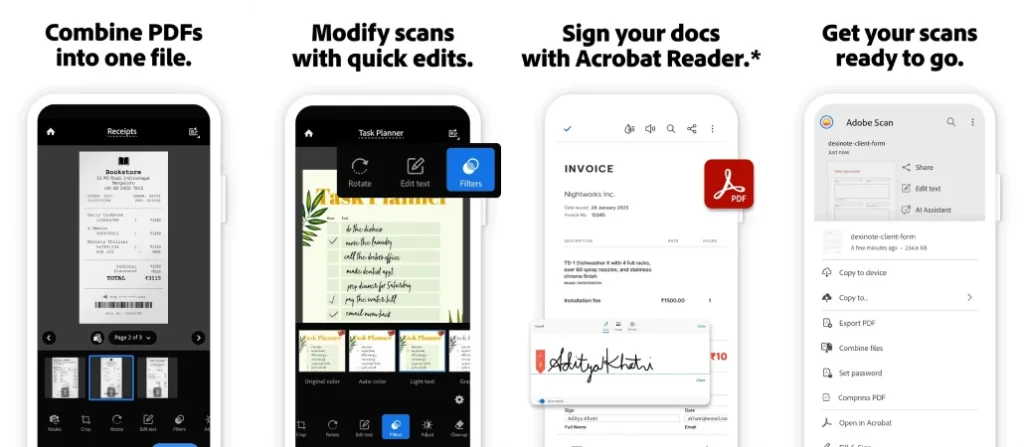
Adobe Scan is a powerful and trusted document scanning app that turns your smartphone into a portable scanner. It allows users to scan documents, receipts, forms, and notes with high accuracy. The built-in OCR technology converts scans into searchable and editable PDFs. With seamless integration into Adobe Acrobat and cloud storage, Adobe Scan is ideal for professionals, students, and businesses.
Key Features of Adobe Scan AI PDF Scanner, OCR:
Pros:
Cons:
App Insights:
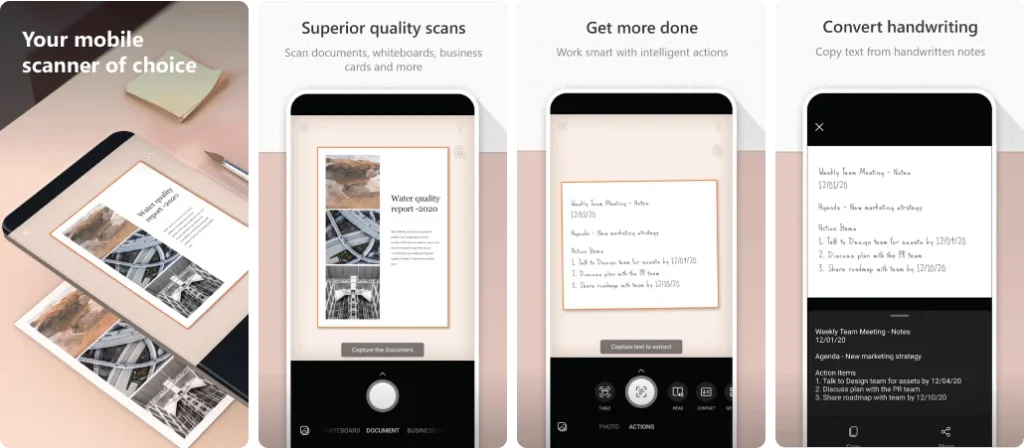
Microsoft Office Lens is designed for scanning documents, whiteboards, receipts, and business cards with clarity. It integrates seamlessly with Microsoft Office tools like Word, OneNote, and OneDrive. The app automatically enhances scanned images and converts them into editable formats, making it an excellent choice for office and academic use.
Key Features of Microsoft Lens – PDF Scanner:
Pros:
Cons:
App Insights:
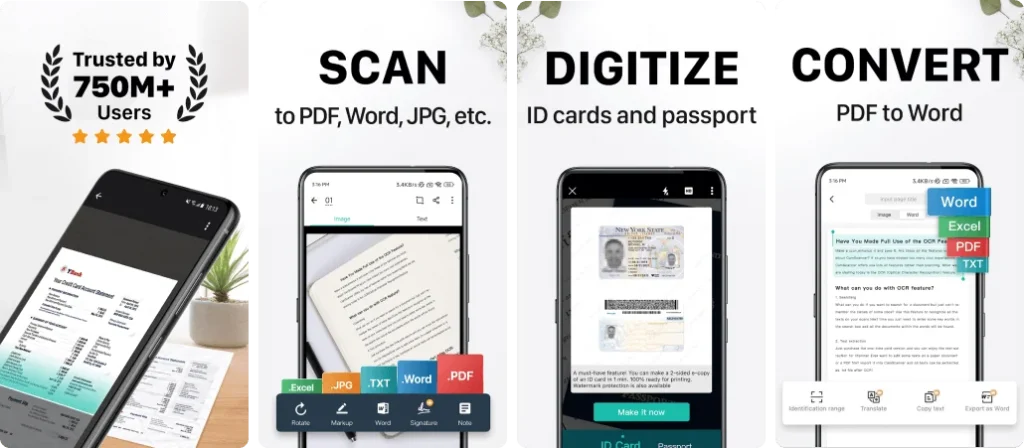
CamScanner is one of the most downloaded document scanning apps worldwide. It allows users to scan, crop, enhance, and convert documents into high-quality PDFs or images. With powerful OCR, cloud syncing, and collaboration tools, CamScanner is suitable for business professionals, students, and freelancers who need advanced scanning features.
Key Features of CamScanner- scanner, PDF maker:
Pros:
Cons:
App Insights:
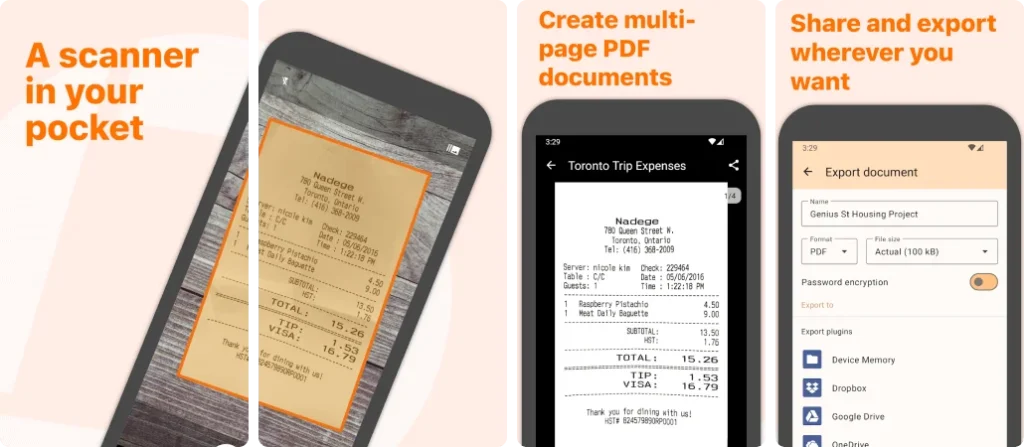
Genius Scan is a fast and reliable document scanner known for its privacy-focused design. It supports scanning documents, receipts, and contracts with automatic edge detection and image enhancement. The app offers secure PDF creation, encryption, and cloud export, making it ideal for professionals handling sensitive documents.
Key Features of Genius Scan – PDF Scanner:
Pros:
Cons:
App Insights:
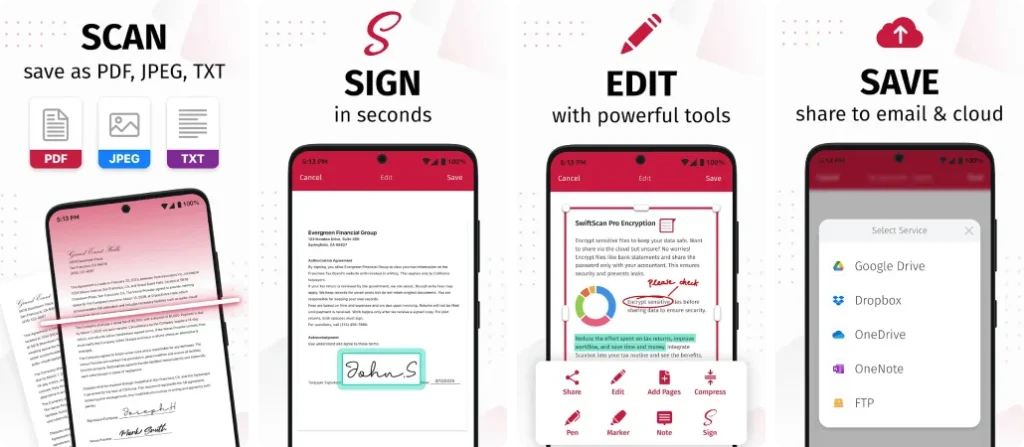
Swift Scan offers high-speed document scanning with professional-level image quality. It supports OCR, PDF creation, and cloud integration with services like Google Drive and Dropbox. The minimal interface and fast processing make it perfect for users who want quick and accurate scans without complexity.
Key Features of SwiftScan: Scan PDF Documents:
Pros:
Cons:
App Insights:
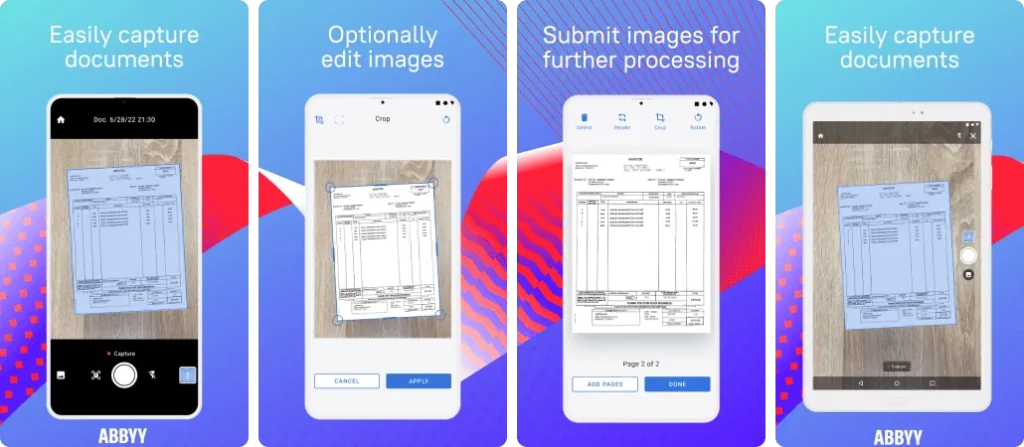
ABBYY FineReader PDF is a premium document scanning app focused on advanced OCR accuracy. It supports multiple languages and converts scanned documents into editable and searchable PDFs. Ideal for professionals and businesses, the app excels in handling complex documents with high precision.
Key Features of ABBYY FineReader: PDF Scanner & OCR:
Pros:
Cons:
App Insights:
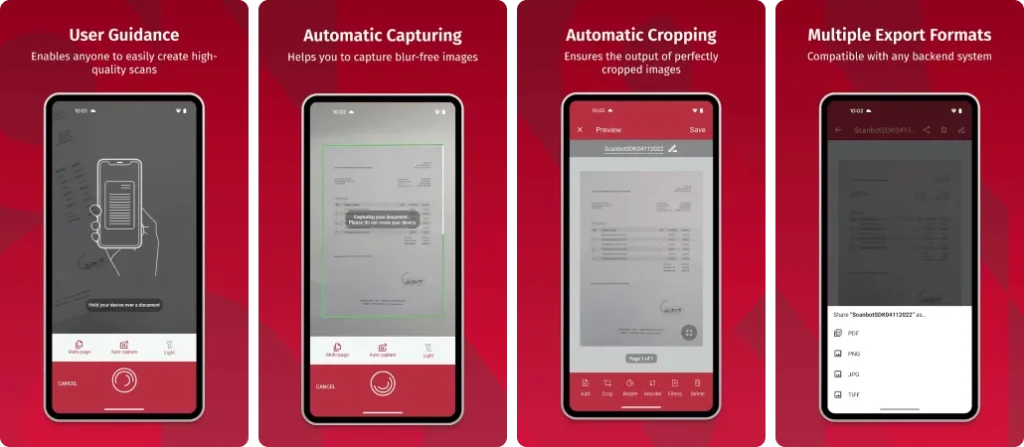
Scanbot is a powerful document scanner with strong cloud integration and automation features. It allows users to scan documents, generate PDFs, and upload files directly to cloud services. With reliable OCR and barcode scanning, Scanbot is ideal for professionals who rely heavily on cloud workflows.
Key Features of Scanbot SDK: Document Scanning:
Pros:
Cons:
App Insights:
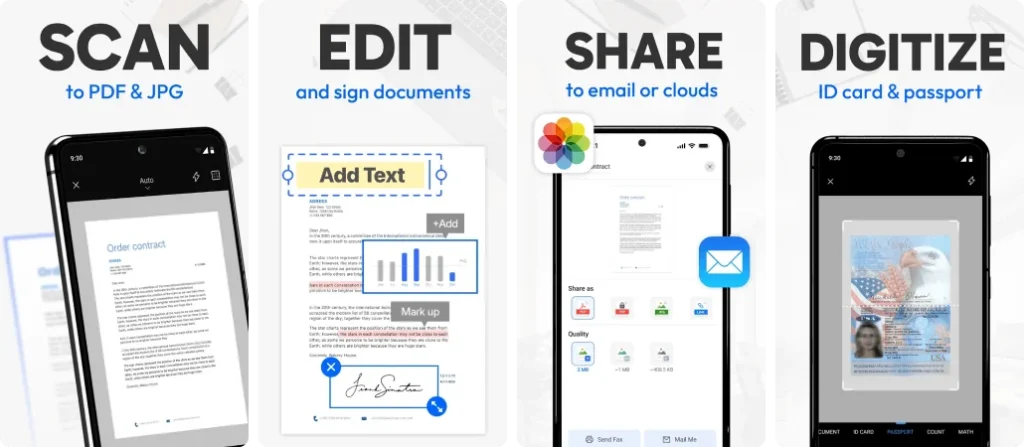
Tiny Scanner is a lightweight and easy-to-use scanning app for quick document digitization. It supports scanning documents, receipts, and notes into PDF format without complex settings. Ideal for casual users who want a simple and fast scanning solution.
Key Features of Tiny Scanner – PDF Scanner App:
Pros:
Cons:
App Insights:
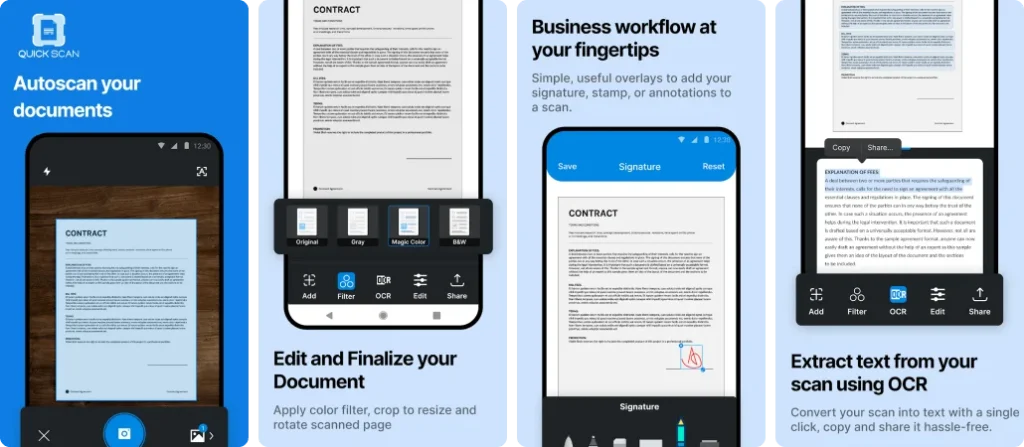
QuickScan is a fast and ad-free document scanner focused on privacy and performance. It allows users to scan documents, apply OCR, and export PDFs without distractions. The app processes data locally, making it a good choice for privacy-conscious users.
Key Features of QuickScan: Document Scanner:
Pros:
Cons:
App Insights:
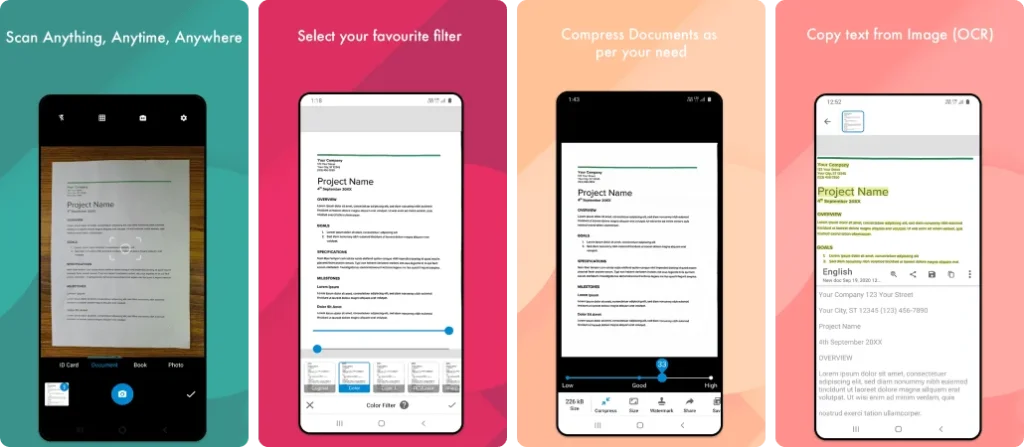
Document Scanner apps offer basic scanning features for everyday use. These apps typically support PDF creation, image enhancement, and file sharing. While they may lack advanced OCR, they are widely downloaded due to simplicity and ease of use.
Key Features of Document Scanner – PDF Creator:
Pros:
Cons:
App Insights:
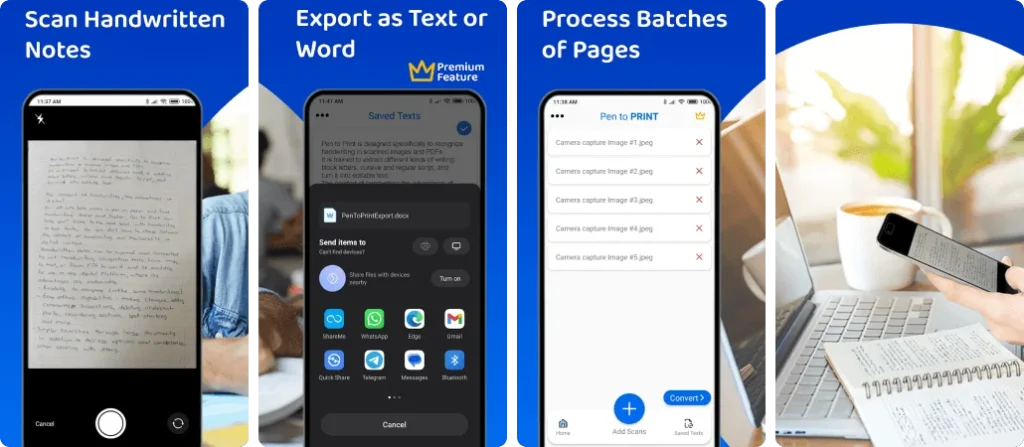
Pen to Print specializes in converting handwritten notes into digital text. It uses AI-powered handwriting recognition to scan notebooks, forms, and notes. Ideal for students and writers, it focuses more on text conversion than traditional PDF scanning.
Key Features of Pen to PRINT Handwriting to Text:
Pros:
Cons:
App Insights:
When choosing the best document scanning app, start with scan quality and accuracy. A good app should capture clear, legible images and convert text reliably using OCR technology. Ease of use is also important — intuitive controls and automatic edge detection save time.
Look for useful features such as auto-cropping, image enhancement, and multi-page scanning. Support for saving files in formats like PDF or JPG and options for organizing, renaming, and searching documents make management easier.
Integration with cloud storage services and simple sharing options are valuable for seamless access across devices. Finally, check for security features to protect sensitive documents.
| App Name | OCR & Text Recognition | Cloud Integration | Best For | Pricing |
| Adobe Scan | Yes – searchable & editable PDFs | Adobe Cloud, Drive, OneDrive | Best free scanner with powerful OCR | Free / Premium |
| Microsoft Office Lens | Yes – basic text extraction | OneDrive | Best for Office users | Free |
| CamScanner | Yes – OCR and searchable PDFs | Google Drive, Dropbox etc | Most popular all-round scanner | Free / Paid |
| Genius Scan | Yes – OCR & smart document detection | Cloud export options | Best secure scanning & batch scans | Free / Paid |
| Swift Scan | Yes (in premium) | Dropbox, Drive etc | Best for fast cloud scanning | Free / Paid |
| ABBYY FineReader PDF | Yes – advanced & multilingual OCR | Dropbox, Drive, iCloud | Best for professional & accurate OCR | Paid |
| Scanbot | Yes – OCR & barcode scanning | Dropbox, Drive etc | Excellent cloud scanning | Free / Paid |
| Tiny Scanner | Limited/ basic OCR | Cloud upload supported | Best lightweight scanner | Free / Paid |
| QuickScan | Yes – OCR & searchable PDF | Local & cloud export | Ad-free & fast scanning | Free / Paid |
| Document Scanner (Generic) | Basic OCR (depends on app) | Cloud support | Simple, high-usage generic scanner | Free / Paid |
| Pen to Print | Yes – handwriting OCR | Export via share options | Best for handwritten text recognition | Free / Paid |
In 2026, document scanning apps have become smarter with the integration of Artificial Intelligence (AI) and Optical Character Recognition (OCR). These technologies allow apps to extract text from printed documents and handwritten notes with high accuracy.
AI-powered scanners now automatically detect document edges, fix perspective issues, and enhance image quality without manual effort. This ensures clearer scans and professional-looking results every time.
Another major improvement is on-device OCR processing. By handling data directly on the user’s phone, scanning apps deliver faster performance while keeping sensitive information private and secure.
Additionally, AI enables smart features like auto-tagging, document categorization, and real-time translation. These innovations help users save time, reduce manual work, and manage digital documents more efficiently than ever before.
Choosing the best document scanning app depends on your specific needs and usage. If you want powerful OCR accuracy and professional features, apps like Adobe Scan and ABBYY FineReader PDF are excellent choices. For everyday scanning, sharing, and cloud syncing, CamScanner, Genius Scan, and Swift Scan offer reliable performance. while privacy-focused users may prefer QuickScan.
With a reliable document scanning app, your important papers stay organized, searchable, and secure at all times. These apps simplify document management, improve productivity, and help you go completely paperless in today’s digital world.
[ 0 votes, Avg: 0 ]