The 8 Best AI Keyboard Apps for Faster Typing in 2026
- Published on: 12th May, 2026
- 6 Min Read
- 611 Views


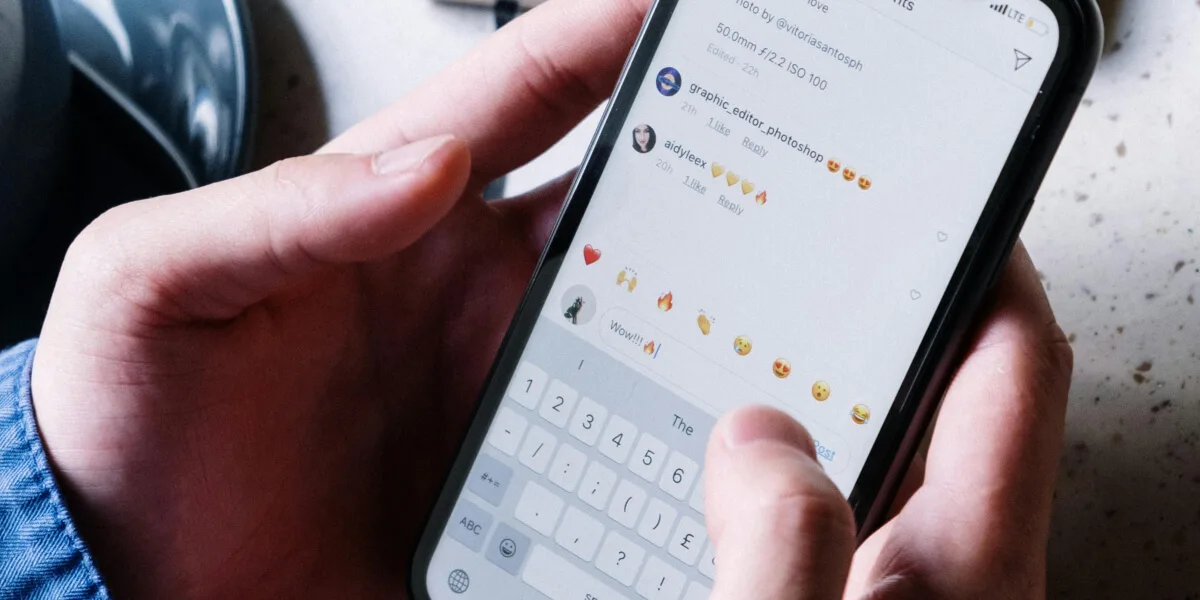
AI keyboard apps are changing the way people type on smartphones by making typing faster, smarter, and more accurate. Instead of basic mobile keyboards, Best AI keyboard apps now offer intelligent word predictions, grammar correction, voice typing, emoji suggestions, and multilingual support. These smart typing tools help users improve productivity while chatting, emailing, searching, and creating content on Android and iPhone devices.
Today, many smartphone users prefer AI keyboard apps because they reduce typing errors and save time during daily communication. Some apps focus on fast typing and auto-correction, while others provide AI writing suggestions, GIF support, customizable themes, and smart clipboard features. AI technology also helps keyboards learn user typing habits and provide personalized suggestions for a smoother typing experience.
One of the biggest advantages of AI keyboard apps is their ability to improve communication efficiency. Users can type messages faster, translate text instantly, use swipe gestures, and even generate smart replies without manually typing long sentences. These features are especially useful for students, professionals, content creators, and social media users.
In this article, we have listed the 8 best AI keyboard apps for faster typing in 2026. These apps are beginner-friendly, highly rated, and useful for productivity, messaging, social media, and everyday smartphone use.
Gboard is one of the most popular AI keyboard apps for Android and iPhone users. Developed by Google, the app provides fast typing, intelligent auto-correction, voice typing, emoji suggestions, and multilingual support. Users can also search Google directly from the keyboard and use swipe typing for faster input. Its clean interface and AI-powered predictions make it one of the best keyboard apps for daily smartphone use.
Key Features:
Pros:
Cons:
App Insights:
Microsoft SwiftKey is a highly advanced AI keyboard app known for personalized typing predictions and smart auto-correction features. The app learns user typing habits and provides accurate word suggestions for faster communication. SwiftKey also supports multiple languages, themes, stickers, and clipboard management tools for improved productivity and convenience.
Key Features:
Pros:
Cons:
App Insights:
Grammarly Keyboard is an AI-powered typing app designed for grammar correction, spelling improvement, and professional writing assistance. The app helps users write error-free messages, emails, and social media posts directly from their smartphone keyboard. It is especially useful for students, professionals, and content creators who want better writing quality while typing on mobile devices.
Key Features:
Pros:
Cons:
App Insights:
Fleksy is a lightweight and fast AI keyboard app designed for speed and customization. The app supports gesture controls, emoji recommendations, GIF search, and keyboard extensions that improve productivity. Its unique swipe gestures and clean typing interface make it popular among users who prefer fast and distraction-free typing.
Key Features:
Pros:
Cons:
App Insights:
Typewise is an AI-powered keyboard app focused on privacy, smart auto-correction, and typo reduction. The app features a unique hexagonal keyboard layout designed to reduce typing mistakes and improve typing accuracy. Typewise is especially useful for users who prioritize privacy and offline AI typing support on smartphones.
Key Features:
Pros:
Cons:
App Insights:
Chrooma Keyboard is an AI-powered typing app known for adaptive color themes and intelligent typing suggestions. The app automatically changes keyboard colors based on the active app while offering gesture typing, emoji predictions, and multilingual support. Its lightweight design and visual customization features make it popular among Android users.
Key Features:
Pros:
Cons:
App Insights:
Kika Keyboard is a stylish AI keyboard app offering colorful themes, emoji support, GIF sharing, and smart typing features. The app supports multiple languages and customizable typing layouts for users who want both productivity and personalization. Social media users especially prefer Kika Keyboard for expressive typing and creative messaging.
Key Features:
Pros:
Cons:
App Insights:
Ginger Keyboard is an AI writing assistant app designed for grammar correction, sentence rephrasing, and smarter typing. The app helps users improve English writing while typing messages, emails, and documents on smartphones. Its AI-powered grammar tools and translation support make it useful for students, professionals, and business users.
Key Features:
Pros:
Cons:
App Insights:
| App Name | Best For | Rating | Platform | Price |
| Gboard | Fast Everyday Typing | 4.7★ | Android, iPhone | Free |
| Microsoft SwiftKey | Smart AI Predictions | 4.6★ | Android, iPhone | Free |
| Grammarly Keyboard | Grammar Correction | 4.5★ | Android, iPhone | Free + Premium |
| Fleksy | Fast Gesture Typing | 4.4★ | Android, iPhone | Free + Premium |
| Typewise | Privacy & Typo Reduction | 4.4★ | Android, iPhone | Free + Premium |
| Chrooma Keyboard | Adaptive Themes | 4.3★ | Android | Free + Premium |
| Kika Keyboard | Stylish Typing Experience | 4.4★ | Android, iPhone | Free + Premium |
| Ginger Keyboard | AI Writing Assistance | 4.3★ | Android, iPhone | Free + Premium |
AI keyboard apps are making smartphone typing faster, smarter, and more personalized than ever before. Whether you need intelligent word predictions, grammar correction, voice typing, emoji suggestions, or customizable keyboard themes, these apps provide useful tools for improving daily communication and productivity.
The apps listed above are among the best AI keyboard apps for Android and iPhone users in 2026. Some apps focus on typing speed and customization, while others provide advanced AI writing assistance and grammar correction features. Choosing the right AI keyboard app according to your typing style and daily needs can help improve efficiency, reduce typing errors, and make smartphone communication more convenient.
[ 2 votes, Avg: 5 ]