Best AI Note-Taking Apps for Android & iPhone
- Last Updated: 10th May, 2026
- 6 Min Read
- 288 Views


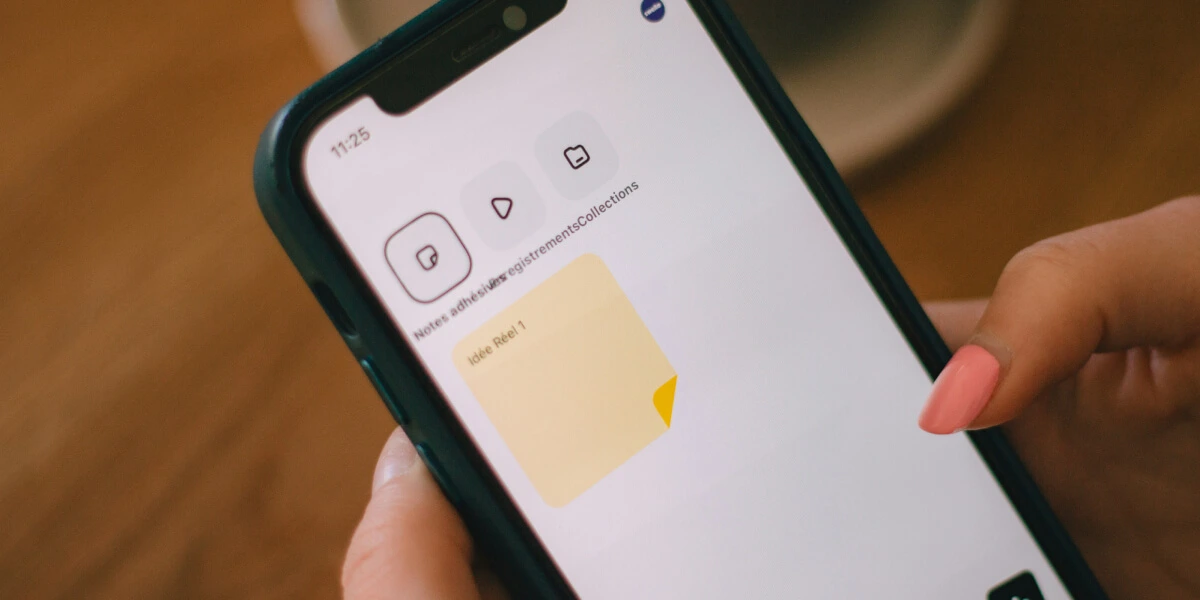
AI note-taking apps are changing the way people organize ideas, manage tasks, and store important information. Instead of writing everything manually, users can now use AI-powered apps to create smart notes, summarize content, record voice memos, organize tasks, and improve productivity directly from their smartphones. These apps are becoming popular among students, professionals, creators, and business users who want a faster and smarter note-taking experience.
Today, many Android and iPhone users rely on AI note-taking apps for school notes, office meetings, study materials, brainstorming ideas, and daily planning. Some apps provide automatic summaries and voice transcription features, while others focus on collaboration, cloud synchronization, and productivity management. AI-powered tools help users save time and keep information organized efficiently.
One of the biggest advantages of AI note-taking apps is that they simplify information management. Users can quickly search notes, organize folders, sync across multiple devices, and even convert voice recordings into text automatically. These smart features make note-taking easier for both personal and professional use.
In this article, we have listed some of the best AI note-taking apps for Android and iPhone users in 2026. These apps are beginner-friendly, highly rated, and useful for productivity, education, meetings, and everyday organization.
Notion AI is one of the most popular productivity and note-taking apps used by students, teams, and professionals. The app helps users create notes, organize tasks, manage projects, and generate AI-powered summaries quickly. Its clean interface and flexible workspace system make it ideal for both personal and professional productivity. Users can also collaborate with teams and access notes across multiple devices easily.
Key Features of Notion AI:
Pros:
Cons:
App Insights:
Evernote is a well-known note-taking app designed for organizing notes, documents, images, and daily tasks. The app supports AI-powered search, reminders, document scanning, and cloud synchronization for better productivity. Users can create notebooks, manage study materials, and store important files in one place. Evernote is especially useful for students and professionals who manage large amounts of information regularly.
Key Features of Evernote:
Pros:
Cons:
App Insights:
Microsoft OneNote is a powerful digital notebook app used for study notes, office work, brainstorming, and project management. The app allows users to create text notes, handwritten notes, voice memos, and checklists. Its AI-powered organization tools and integration with Microsoft Office products make it a useful productivity solution for students and professionals alike.
Key Features of Microsoft OneNote:
Pros:
Cons:
App Insights:
Google Keep is a simple and lightweight note-taking app designed for quick notes, reminders, checklists, and voice memos. Users can create colorful notes, pin important tasks, and sync everything with their Google account. The app is highly popular among Android users because of its simplicity, speed, and seamless Google ecosystem integration.
Key Features of Google Keep:
Pros:
Cons:
App Insights:
Otter AI is a smart voice transcription and meeting notes app used for recording lectures, interviews, and office meetings. The app automatically converts speech into searchable text notes using AI technology. Students, journalists, remote teams, and professionals use Otter AI to save time and improve productivity during conversations and presentations.
Key Features of Otter AI:
Pros:
Cons:
App Insights:
Simplenote is a clean and lightweight note-taking app focused on distraction-free writing and fast synchronization. The app allows users to create notes, organize tags, and access content across devices instantly. It is ideal for users who want a simple digital notebook without complex productivity features.
Key Features of Simplenote:
Pros:
Cons:
App Insights:
Mem AI is a modern AI-powered note-taking and knowledge management app designed for professionals and creators. The app uses artificial intelligence to organize notes automatically, connect related ideas, and improve information retrieval. Users can quickly search content, create smart summaries, and manage workflows efficiently using AI assistance.
Key Features of Mem AI:
Pros:
Cons:
App Insights:
Apple Notes is a built-in note-taking app available for iPhone and iPad users. The app supports text notes, checklists, sketches, document scanning, and cloud synchronization through iCloud. With smart organization tools and seamless Apple ecosystem integration, it is widely used by iPhone users for personal and professional note management.
Key Features of Apple Notes:
Pros:
Cons:
App Insights:
| App Name | Best For | Rating | Platform | Price |
| Notion AI | Productivity & Smart Notes | 4.6★ | Android, iPhone, Web | Free + Premium |
| Evernote | Document & Notes Management | 4.5★ | Android, iPhone, Web | Free + Premium |
| Microsoft OneNote | Study & Office Notes | 4.6★ | Android, iPhone, Windows | Free |
| Google Keep | Quick Notes & Reminders | 4.5★ | Android, iPhone, Web | Free |
| Otter AI | Voice Notes & Meetings | 4.4★ | Android, iPhone, Web | Free + Premium |
| Simplenote | Minimalist Note-Taking | 4.3★ | Android, iPhone, Web | Free |
| Mem AI | AI Knowledge Management | 4.4★ | Android, iPhone, Web | Free + Premium |
| Apple Notes | iPhone Note Organization | 4.7★ | iPhone, iPad, Mac | Free |
AI note-taking apps are making productivity and information management smarter and more efficient than ever before. Whether you need quick reminders, voice transcription, study notes, meeting summaries, or advanced productivity tools, these apps provide useful features for both personal and professional use.
The apps listed above are among the best AI note-taking apps for Android and iPhone users in 2026. Some apps focus on simple and fast note-taking, while others provide advanced AI-powered productivity and knowledge management tools. Choosing the right notes app according to your workflow and daily needs can help improve organization, save time, and boost productivity.
[ 0 votes, Avg: 0 ]